Analytics: Planning the Right Database
Row store or column store, one database or two, warehouse or lakehouse. How to choose an analytics database from the questions your business actually asks.
The short version
- Transactional and analytical workloads want opposite things from storage. That single fact explains most analytics architecture.
- Your production database will handle analytics further than people expect. Start there, and move when you have a specific reason.
- Columnar storage is the actual dividing line, not the vendor. It is what makes scanning a billion rows for one column tractable.
- Model for the questions being asked. An analytics store optimised for unknown future questions serves none of them well.
“We need analytics” arrives as a request for dashboards and turns out to be a request for a second data platform. The decisions made in the first fortnight determine whether that platform stays useful or becomes the thing everybody routes around.
This is about making those decisions deliberately.
Why one database rarely serves both jobs
Transactional and analytical workloads have close to opposite access patterns.
| Transactional (OLTP) | Analytical (OLAP) | |
|---|---|---|
| Typical query | Fetch one order by ID | Sum revenue by region over two years |
| Rows touched | One, or a handful | Millions |
| Columns touched | All of them | Three or four |
| Writes | Constant, small, transactional | Bulk loads on a schedule |
| Latency target | Milliseconds | Seconds is usually fine |
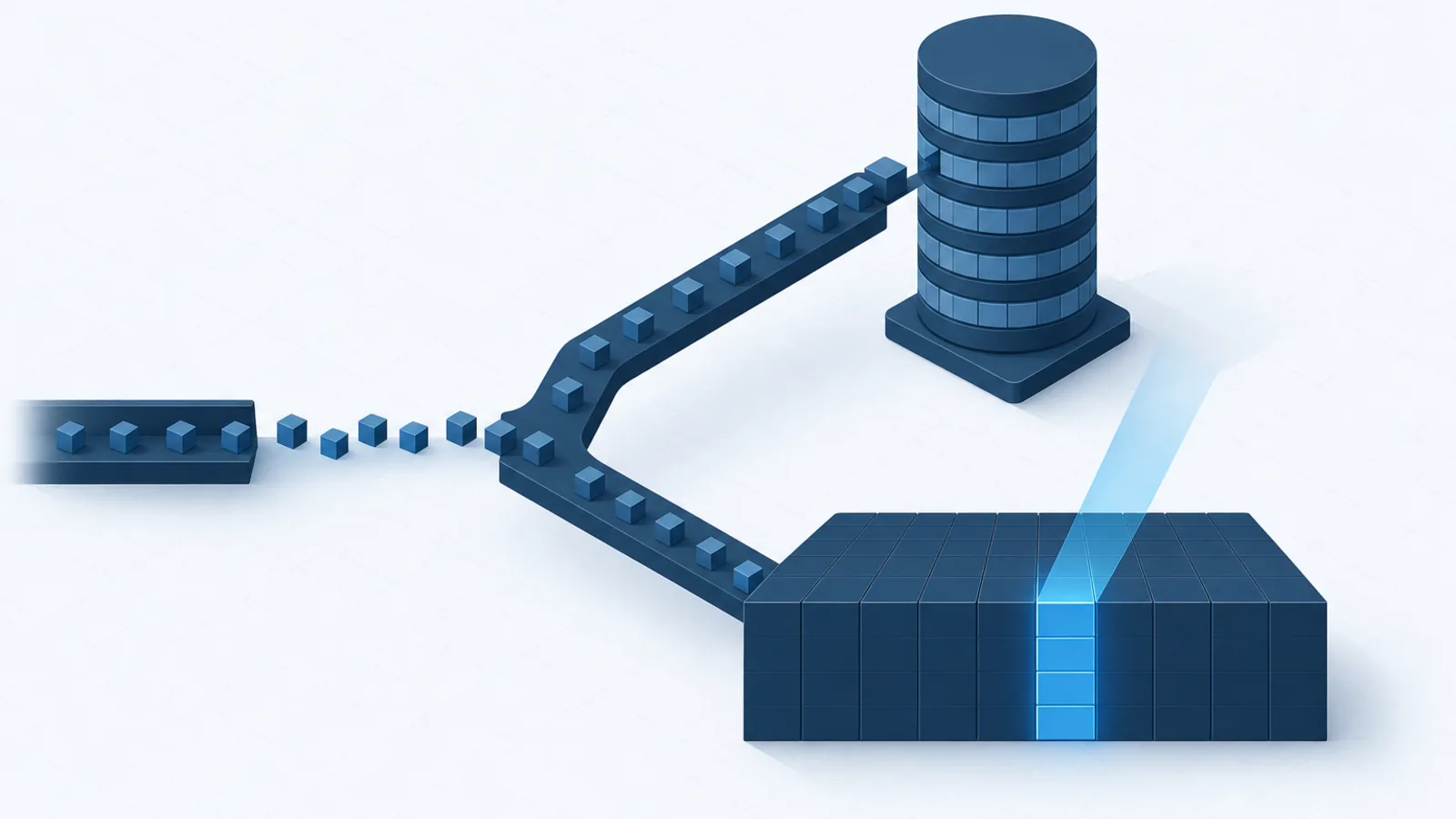
A row-oriented store keeps all of a record’s fields together, which makes fetching one complete record a single efficient read. A column-oriented store keeps each field’s values together across all records, so summing one column across a billion rows reads only that column — and because a column contains values of one type with heavy repetition, it compresses dramatically.
That is the whole distinction, and it is why analytical queries on a row store scan enormous quantities of data they do not need.
Do you actually need a separate store?
Not yet, most likely. The intermediate options are worth exhausting first because each is dramatically cheaper than a second platform.
- Query the production database directly. Reasonable up to the point where analytical queries begin affecting transactional latency.
- Add a read replica. Point analytics at it and the isolation problem disappears. This is the highest-value, lowest-effort step available, and it takes many companies a very long way.
- Add materialised views. Precompute expensive aggregates on a refresh schedule. Fast reads, familiar tooling, no new infrastructure.
- Use a columnar extension. Postgres with pg_duckdb or similar gives you columnar analytics inside the database you already run.
The signals that you have genuinely outgrown this. Analytical queries are degrading production performance despite a replica; queries scan hundreds of millions of rows and take minutes; you need to join data from several systems that do not share a database; or you must retain history that is being purged from production for good reasons.
Choosing the destination
A columnar database
ClickHouse, DuckDB, Postgres with a columnar extension. Fast, comparatively simple, and self-hostable. DuckDB in particular has changed what is reasonable at small scale — it runs in-process, needs no server, and handles datasets far larger than most teams assume before anything distributed becomes necessary.
Best when your data fits on one machine, which for analytics is a much larger envelope than intuition suggests.
A cloud warehouse
BigQuery, Snowflake, Redshift. Storage and compute are separated, scaling is somebody else’s problem, and SQL is the interface. The cost model is usage-based, which is either efficient or alarming depending on whether anyone is watching the bill.
Best when data exceeds a single machine, when the workload is spiky, or when you would rather not operate a database.
A lakehouse
Open table formats — Iceberg, Delta Lake — over object storage, queried by an engine of your choosing. Cheapest storage available, no vendor lock-in on the data itself, and handles unstructured alongside structured.
It is also the most operational work of the three. Best at genuinely large scale, or where multiple engines must read the same data, or where avoiding lock-in is a real strategic requirement rather than a stated preference.
Getting data in
The pipeline matters more to whether analytics succeeds than the database choice does.
ELT has largely replaced ETL. Load raw data first, transform inside the warehouse afterwards. Warehouse compute is now cheap enough that this is the sensible default, and it means a transformation bug is fixed by rerunning rather than by re-extracting from a source that may no longer have the data.
Batch beats streaming until it does not. Streaming ingestion is substantially more complex to build and operate. Unless a business decision genuinely depends on sub-minute freshness, hourly or daily batches are correct. Most dashboards labelled realtime are read once each morning.
Change data capture is the right way to get production data across without hammering the source, and once a database is involved it is usually worth reaching for over periodic full extracts.
Idempotency is essential. Pipelines fail and get rerun. Design loads so that running one twice produces the same result as running it once, or you will spend your time reconciling double-counted revenue.
Modelling for the questions you have
The most common analytics failure is not technical. It is building a general-purpose model for questions nobody has asked yet, which turns out to serve none of the questions people actually ask.
Start from the questions. Write down the ten a stakeholder genuinely wants answered, and design backwards from those.
The layering that has proven durable:
- Raw. Source data as loaded, unmodified. Never queried directly; exists so you can rebuild everything downstream.
- Staging. Cleaned and typed, one model per source table, no business logic.
- Marts. Business-facing tables shaped for the questions. This is what dashboards read.
Within the marts, dimensional modelling — facts for events, dimensions for the things events refer to — remains the most reliable approach after thirty years. Star schemas are unfashionable and they work, largely because they match how business users think about their own data.
The parts teams skip
- Data quality tests. Assert uniqueness, non-nullness, referential integrity and expected ranges on every model. A dashboard that is silently wrong is worse than no dashboard, because decisions get made from it.
- Definitions. If finance and product each define active user differently, your warehouse will produce two numbers and the meeting will be about which is right. Define metrics once, centrally.
- Cost visibility. Usage-based pricing plus an unoptimised dashboard that refreshes every five minutes produces a memorable invoice. Monitor query cost from the first week.
- Access control. An analytics store aggregates everything sensitive from every system into one place with looser permissions than any of the sources. Treat it accordingly.
Boolean Solutions experience with analytics
We plan and build analytics platforms, and the advice we give most frequently is to do less than the plan calls for. A read replica and a handful of well-modelled tables answer the real questions for a great many companies; the warehouse migration proposed at the outset would have taken two quarters and answered the same questions no better.
When the scale genuinely warrants it, the technology choice is the easy part — the pipeline, the modelling and the definitions are the work. If you are planning this and want an outside read on how much you actually need, talk to us.
Further reading
- Designing Data-Intensive Applications — Martin Kleppmann; chapter 3 on storage engines explains the row-versus-column distinction better than anything else
- Kimball dimensional modelling techniques — still the reference for star schemas
- dbt best practices — the clearest guidance available on layering transformations
- Why DuckDB — a good argument for how much you can do without distributed infrastructure

Udit Mittal
Founder at Boolean Solutions. Twenty years of building and rescuing web, mobile and AI products for SaaS companies and startups — and writing down what actually worked.
Get in touch