
Figma Config 2026: Code and Motion on the Canvas
Code layers, a real timeline, and MCP handoff to coding agents. Figma’s argument is that code is a design material, and the handoff problem is what it is aiming at.
The short version
- Figma’s argument is that code is a design material like vectors or images, not a separate phase that happens afterwards.
- Code layers turn any frame into interactive code you can duplicate and compare like design alternatives, with a route back to editable layers.
- Figma Motion adds a real timeline, and the output is inspectable in Dev Mode as CSS, JSON or React rather than described in a comment.
- MCP compatibility means an animated frame can be passed to a coding agent with its full motion context intact.
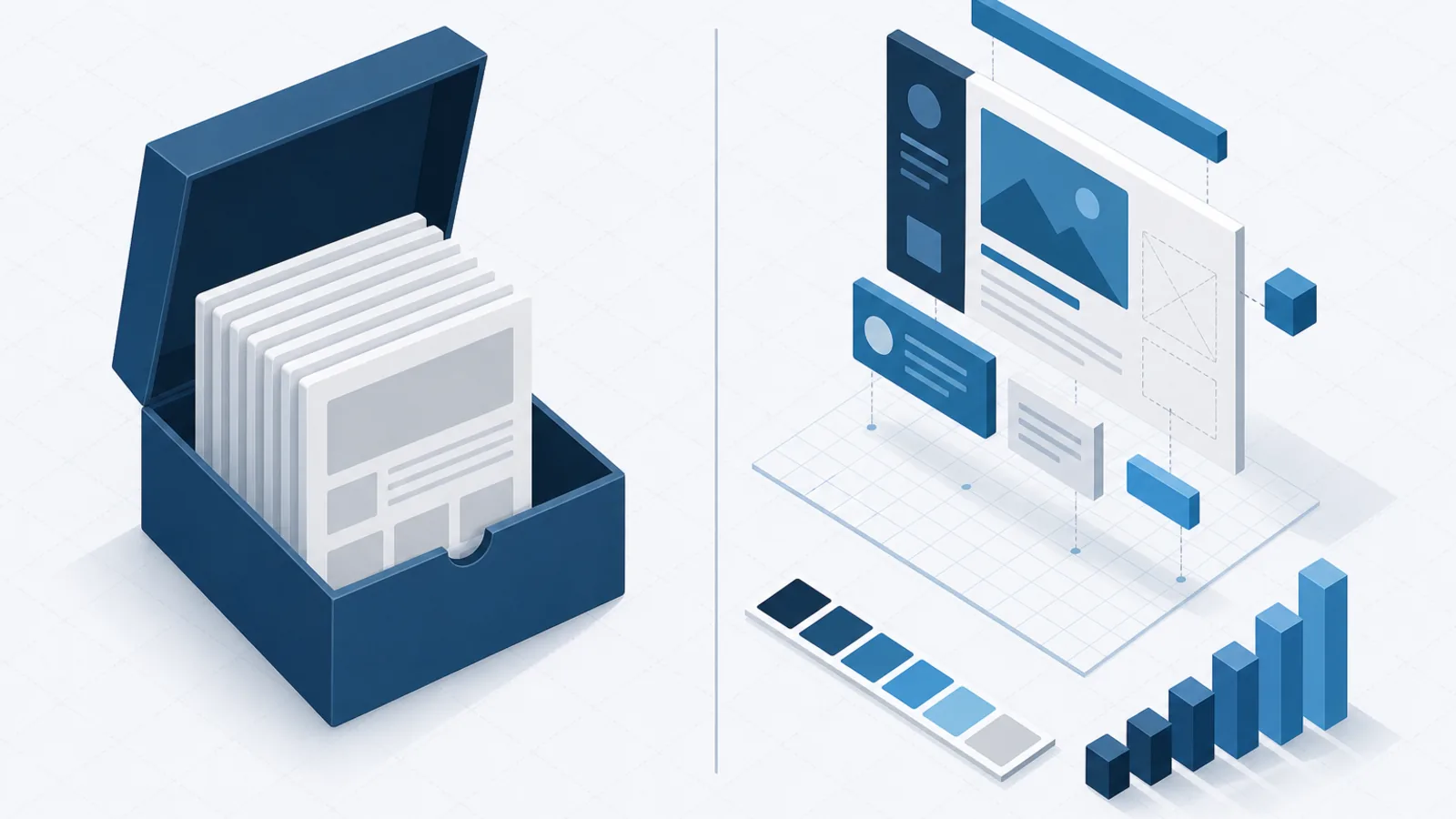
Config 2026, held on 24 June, was a release about materials. The framing Figma used is worth quoting because it is the through-line of everything announced: the design-versus-code debate is a false one, and code is a material like any other on the canvas.
Whether that argument holds is a genuine question. What is not in question is that the specific handoff problems being addressed are real ones that most product teams have.
Code layers
Any design layer can be converted into an interactive code layer with a click or a prompt. From there you can start from a template, describe what you want, import a GitHub repository, or upload a local folder.
The interaction model is the interesting part. Designers have always duplicated frames to explore alternatives, and code layers work the same way — duplicate one, take it in a different direction, and compare how the options actually feel rather than how they look. For anything with real interaction, that is a meaningfully better comparison than two static frames side by side.
The round trip is the part that would have sounded implausible a couple of years ago. Selecting extract designs converts the current state of a code layer back into editable Figma layers, at whatever granularity you choose — one screen, one state, a whole flow. Edit those layers, and one click updates the code layer with your changes.
Because a code layer lives in a shared file, the whole team can comment on it and iterate against the same artefact, which removes one of the more tedious loops in product work: the prototype that lives in someone’s branch and has to be described in a meeting.
Code layers rolled out in closed beta from July.
Figma Motion
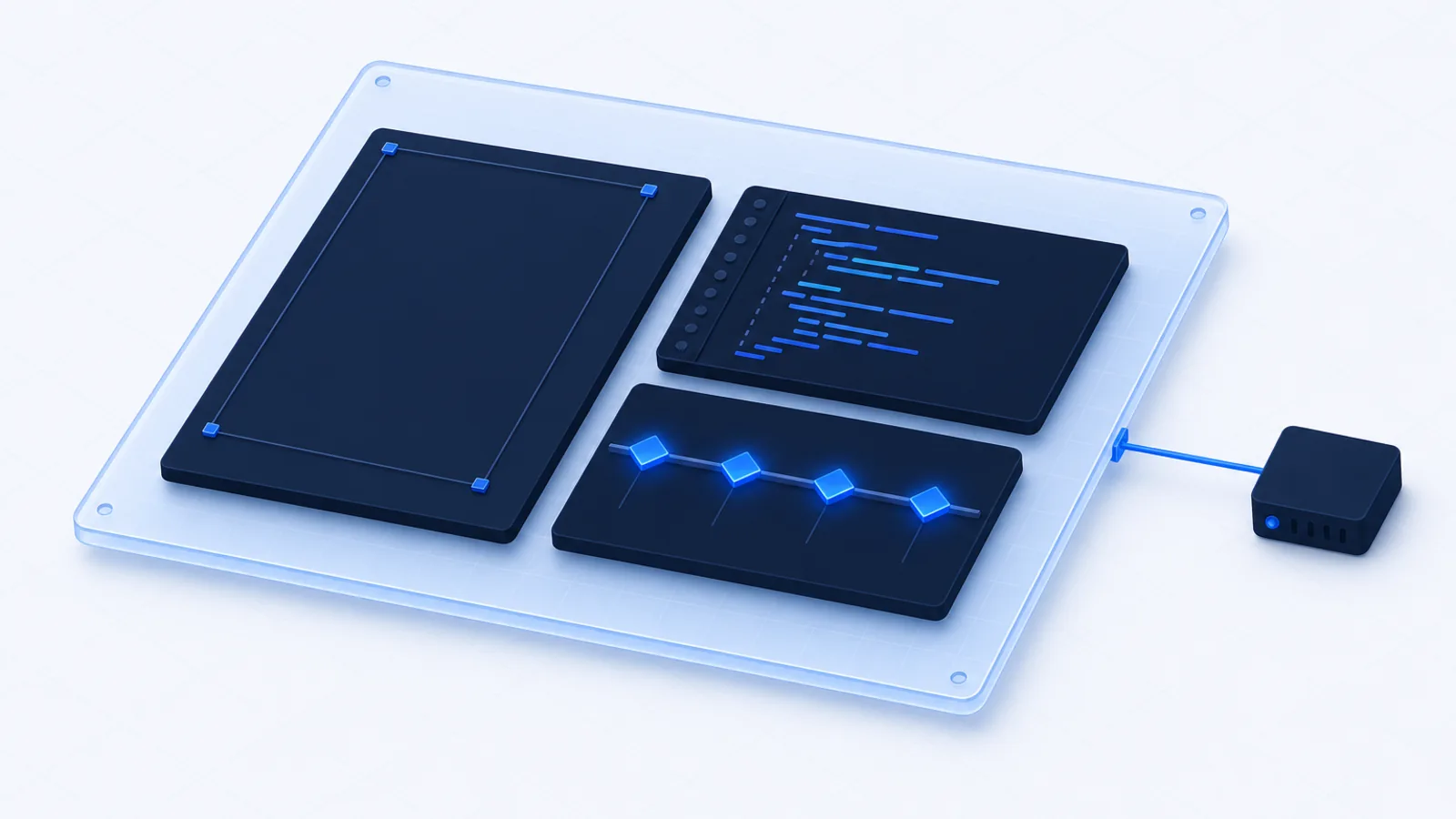
Motion sits alongside Design, Draw and Dev as a mode. Switch any frame to Motion and a timeline appears with keyframes, easing and presets. It shipped in open beta at Config.
The part that matters for engineering is what happens at handoff. In Dev Mode, the Motion tab exposes the full timeline: every timing value, every easing curve, every keyframe, readable without interpretation. Animation code can be copied directly as CSS, JSON, or framework-ready React.
Anyone who has implemented an animation from a screen recording and a description will recognise why this matters. The current state of animation handoff is a developer approximating an intention, a designer noticing it is not quite right, and several rounds of adjustment over durations and curves that were precisely specified in someone’s head and nowhere else.
Also available: 3D transforms with z-axis rotation and live preview, remaining fully editable and exporting to CSS; and video export as MP4, WebM, animated SVG or GIF for the cases where you need to show rather than implement.
The underrated consequence. When motion has a canonical specification, it becomes reviewable. Animation timing has historically escaped design review because there was nothing concrete to review — a timeline in the same file as the components changes that.
MCP and the agent workflow
Motion is MCP-compatible, which in practice means you can share a link to any animated frame with a coding agent and it receives the full motion context rather than a flattened image.
This is the piece with the largest potential effect on how work actually flows. The persistent weakness of AI-assisted implementation from designs has been that the agent sees pixels and has to infer intent — guessing at spacing tokens, colour variables, component boundaries and timing. Structured context changes the input from an image to a specification.
The Figma agent also gained skills, connectors and attachments. Skills package your team’s conventions into reusable instructions; connectors let the agent reach tools already in your stack and send updates back; attachments bring in research and supporting artefacts. The pattern here mirrors what has happened across the agent tooling landscape generally, and it is a sensible shape.
The rest of the announcements
- Shader fills and effects — parameterised shaders generated from text or image prompts, applied as fills. Visually striking, and worth thinking about carefully before shipping to production given what shaders cost on lower-end devices.
- Generative plugins — custom tools built by describing the behaviour you want, without a development environment. This lowers the barrier to team-specific tooling considerably.
- Weave tools — expanded illustration and drawing capability on the canvas.
The honest reservations
Two worth holding onto.
Generated code is a starting point. Code layers produce working code, and working code is not the same as code that fits your architecture, uses your components, meets your accessibility standards and passes your review. Treating the output as a specification to implement against is right; treating it as something to paste into a repository is not.
The tool is consolidating a lot of roles. Design, prototyping, animation, code generation and agent orchestration in one product is convenient and it is also concentration. Teams should be deliberate about which parts of their process become dependent on a single vendor’s canvas, and what the exit would look like.
Neither reservation argues against adopting any of this. They argue for adopting it as tooling rather than as process.
What to do with it
For most product teams, the highest-value piece is Motion, and it is available now. If your team ships interface animation and currently specifies it through video and conversation, moving that specification into the design file removes a genuine and recurring source of rework. Start there.
Code layers are worth exploring for prototyping and design exploration, particularly for interactions that cannot be evaluated statically. Hold off on treating them as a production pipeline until the closed beta has matured and you have seen the output quality against your own standards.
The MCP integration is worth wiring up if your team already uses coding agents, because it directly improves the input those agents are working from.
Boolean Solutions experience with design handoff
We work across design and engineering and the handoff seam is where most avoidable rework happens — not through carelessness, but because the design file historically did not contain the information developers needed. Spacing was implied, states were partial, and motion was described rather than specified.
Anything that moves information from conversation into the file reduces that cost, and inspectable motion output is the most concrete improvement in that direction we have seen in a while. If you are working on the design and engineering seam in your team and want to talk about what actually reduces friction there, get in touch, and our design services page covers how we work.
Further reading
- Config 2026 recap — Figma’s own summary of everything announced
- Code on the Figma canvas — the detail on code layers and the round trip
- Introducing Figma Motion — the timeline, Dev Mode inspection and export formats
- Model Context Protocol — the protocol behind the agent handoff

Udit Mittal
Founder at Boolean Solutions. Twenty years of building and rescuing web, mobile and AI products for SaaS companies and startups — and writing down what actually worked.
Get in touch