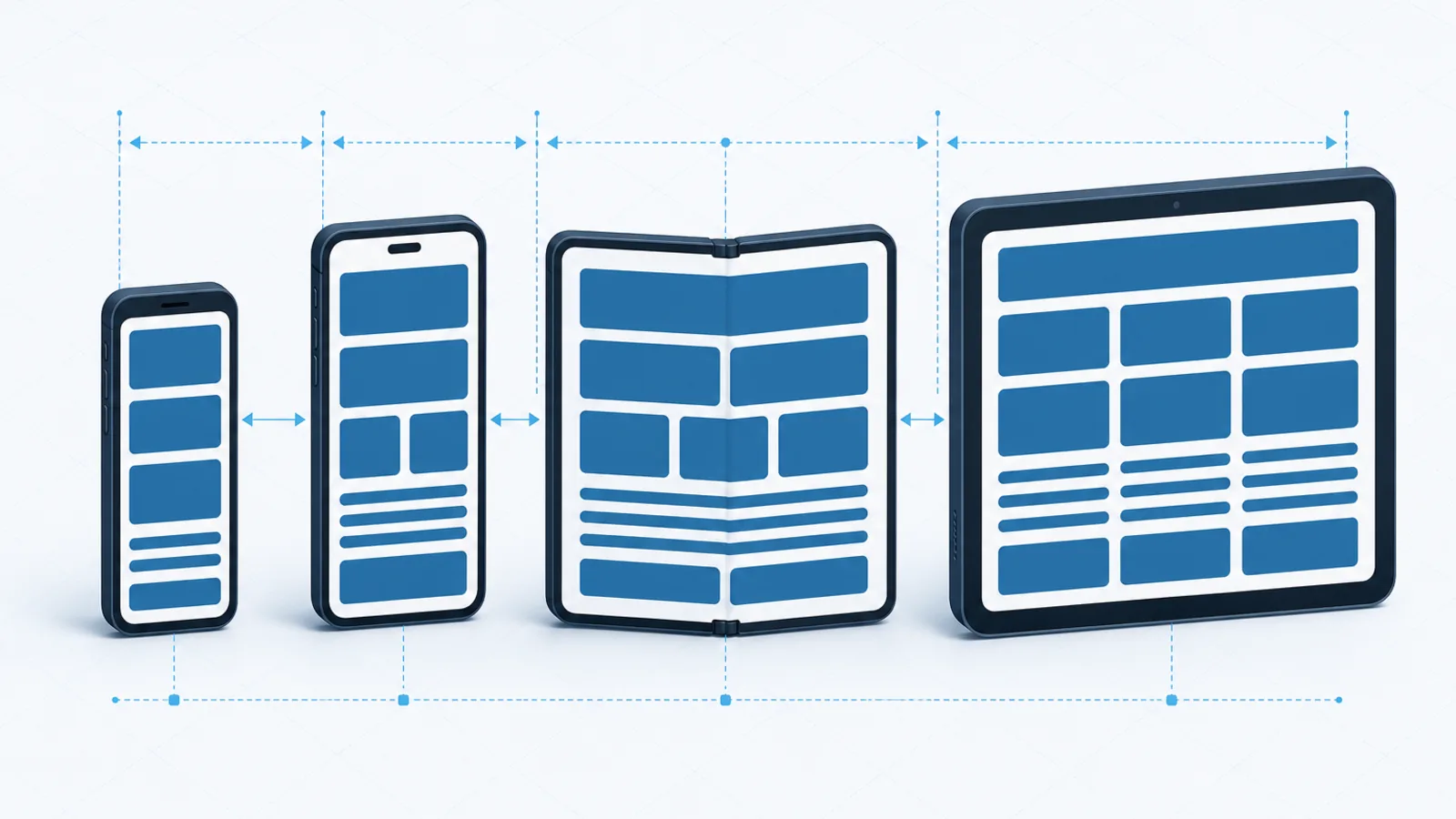

React Native’s New Architecture Is Now the Only Architecture
React Native 0.82 removed the option to disable it and Expo SDK 55 dropped the flag entirely. A migration playbook for teams still on the legacy runtime.
The short version
- React Native 0.82 is the first version that runs entirely on the New Architecture. Setting
newArchEnabled=falseis ignored. - Expo SDK 55 ships React Native 0.83 and removed the flag from
app.jsonaltogether. SDK 54 was the last release with legacy support. - Migrate on the last version that supports both — RN 0.81 or Expo SDK 54 — then upgrade. Do not do both at once.
- Third-party libraries are the actual work. Audit them before you start, not after.
The long transition is over. React Native 0.82, released in October 2025, was the first version to run entirely on the New Architecture, and the option to fall back was removed rather than deprecated: setting newArchEnabled=false on Android or installing CocoaPods with RCT_NEW_ARCH_ENABLED=0 on iOS is now simply ignored.
Expo SDK 55, built on React Native 0.83, went a step further and removed the configuration option from app.json entirely. SDK 54 was the final release to support the legacy architecture, and the legacy runtime itself was frozen in June 2025 — no new features, no bug fixes.
If your app is still on the old runtime, the upgrade path is closed until you migrate.
What actually changed underneath
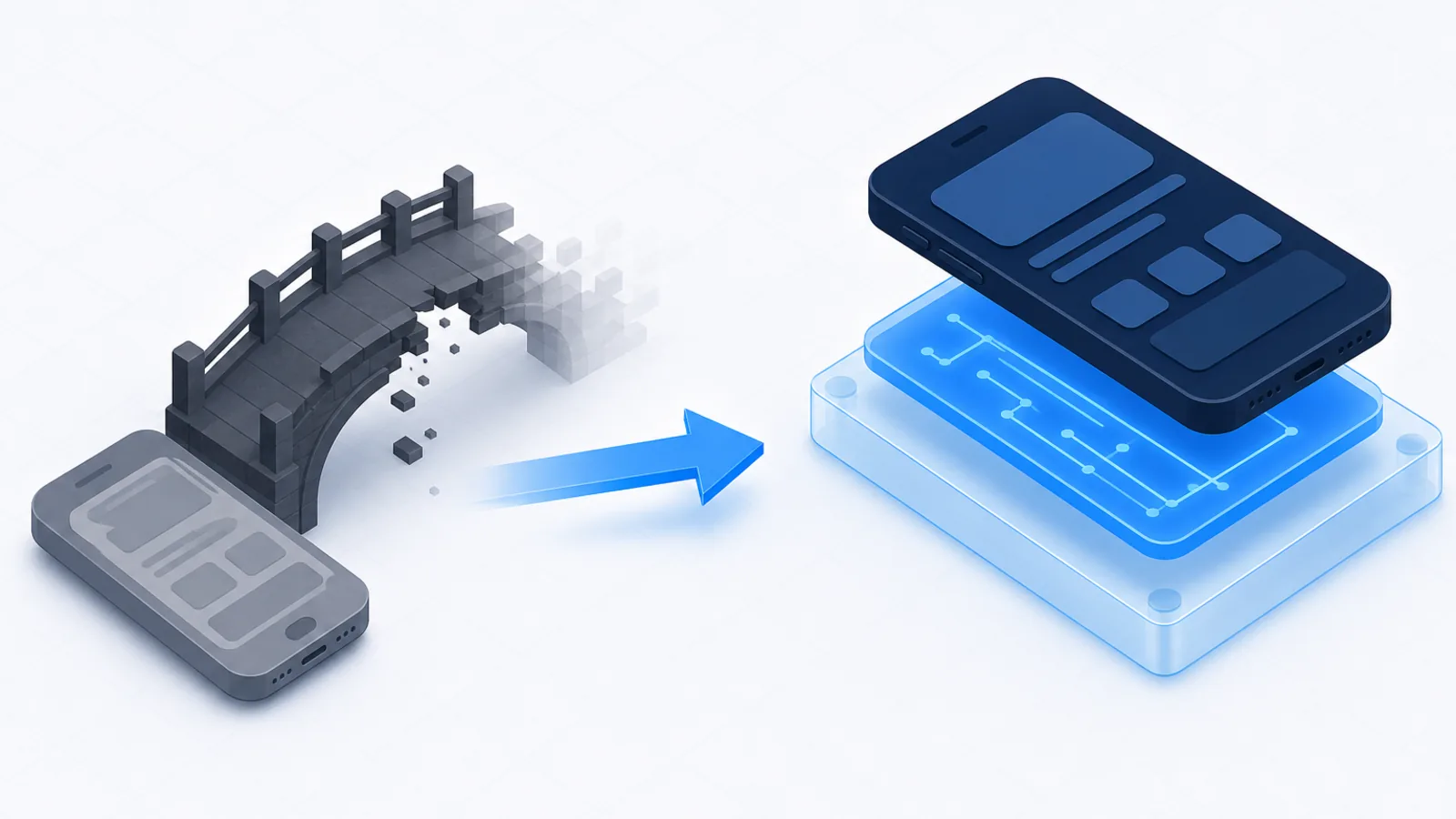
The old architecture communicated between JavaScript and native code over an asynchronous bridge that serialised everything to JSON. Every call from JavaScript to a native module, and every layout update flowing back, was a serialised asynchronous message.
That design made two things structurally difficult. Anything requiring a synchronous answer from native code — a measurement during layout, for instance — had to be worked around. And high-frequency communication, such as a gesture-driven animation, produced a stream of serialised messages that could not keep up with the display.
The New Architecture replaces the bridge with several pieces working together:
- JSI lets JavaScript hold direct references to native objects and call them synchronously, without serialisation.
- TurboModules are native modules loaded lazily on first use rather than all at startup, which improves launch time on apps with many modules.
- Fabric is the new renderer, with a concurrent-capable layout system that works properly with React’s concurrent features.
- Codegen generates typed interfaces between JavaScript and native from your type definitions, catching mismatches at build time rather than at runtime.
The practical benefits are faster startup, smoother gesture and animation handling, and support for React’s concurrent rendering features. Reanimated v4 and FlashList v4, among others, now require the New Architecture.
The migration playbook
The sequencing advice from both the React Native and Expo teams is the same, and it is worth following exactly.
1. Do not combine the migration with the upgrade
Adopting the New Architecture is a bigger change than moving up an SDK version. Doing both simultaneously means that when something breaks, you cannot tell which change caused it.
Migrate to the New Architecture while still on React Native 0.81 or Expo SDK 54 — the last versions that support both. Verify the app works. Then upgrade to 0.82 or SDK 55 as a separate, isolated change.
2. Audit your dependencies first
This is where the real work is. Every native module in your dependency tree needs New Architecture support, and the health of that ecosystem varies:
- Actively maintained libraries have supported it for some time. Update to current versions and they will work.
- Libraries with interop shims work through a compatibility layer without native changes. Usually fine, occasionally with rough edges around edge-case behaviour.
- Abandoned libraries are the problem. If a package has not been updated in two years, it will not be updated for this. You need a replacement or a fork, and finding out at this stage is much better than discovering it mid-migration.
Go through package.json, list everything with a native component, and check each one before writing any code.
3. Fix your own native code
If you maintain custom native modules, they need converting to TurboModules with Codegen type definitions. This is mechanical rather than difficult, and the typed interfaces are a genuine improvement — a class of runtime type mismatch simply stops occurring.
4. Test the areas most likely to break
In our experience the problems cluster in predictable places: layout measurement, particularly anything using onLayout or measuring during render; gesture handlers and animations, which should improve but may need library updates; direct native view manipulation; and text rendering, where subtle differences occasionally shift a layout.
Build a development build and test on real devices. The differences that matter here are in layout, timing and native module behaviour, and those are exactly the things a simulator represents least faithfully.
If you are on a much older version
An app on React Native 0.68 has a longer road, and the temptation to jump straight to current should be resisted. Upgrade incrementally, one or two minor versions at a time, testing at each step. It is slower and it is far easier to debug, because each step has a small and comprehensible set of changes.
The React Native Upgrade Helper, which shows the exact diff between any two versions of the template project, is the tool that makes this tolerable.
Interop, and when to rely on it
The interop layer lets legacy native modules and view components run under the New Architecture without being rewritten, and it is the reason many migrations turn out easier than expected. It is also worth understanding as a transitional measure rather than a destination.
For native modules the shim is generally solid, because the interface is a set of method calls and the translation is mechanical. For view components it is less complete, since the old and new renderers differ in how they handle layout, measurement and prop updates. Custom native views are where interop most often produces behaviour that is almost right — a view that renders correctly but measures slightly differently, or updates a frame late under rapid prop changes.
Two consequences follow. First, do not treat a successful build as a successful migration; interop means the app compiles and runs while individual components may still behave differently. Test the screens that use custom native views specifically and carefully.
Second, treat interop as buying time rather than solving the problem. A library running through the shim is a library that has not been updated, and unmaintained dependencies accumulate other risks — security patches, platform API changes, and the next runtime shift. Use the shim to get the migration done, then replace what is riding on it.
Is it worth it, beyond being mandatory
Yes, and it would be worth doing even if the option to stay had remained.
Startup time improves, mostly through lazy native module loading. Gesture-driven interactions are noticeably smoother because the communication path no longer serialises every frame. Concurrent React features work properly. And the ecosystem has moved — the current major versions of several widely used libraries require it, so staying put means staying on older versions of everything.
The one honest caveat: teams with a large amount of custom native code, or with dependencies on unmaintained native modules, should scope this as a project rather than a chore. A week is realistic for a straightforward app. A month is realistic for a complex one with native investment.
Boolean Solutions experience with React Native migrations
We build and maintain React Native applications and we have run this migration on apps of varying age and complexity. The single factor that predicts how it goes is the dependency audit — teams that list every native module and check support before starting have a predictable project, and teams that begin optimistically discover an abandoned library halfway through and lose a week to it.
The second factor is following the sequencing: migrate on the version that supports both, then upgrade. If you have a React Native app that has fallen behind and you want an assessment of what the migration involves, get in touch.
Further reading
- React Native 0.82 — A New Era — the announcement, including the migration sequencing advice
- Expo’s New Architecture guide — the clearest practical documentation, Expo or not
- How to upgrade to Expo SDK 55 — the specific upgrade path and its pitfalls
- React Native Upgrade Helper — essential for incremental upgrades from older versions

Udit Mittal
Founder at Boolean Solutions. Twenty years of building and rescuing web, mobile and AI products for SaaS companies and startups — and writing down what actually worked.
Get in touch